Getting started
Overview and My queue
The team dashboard, and the personal queue of cases and tasks waiting on you.
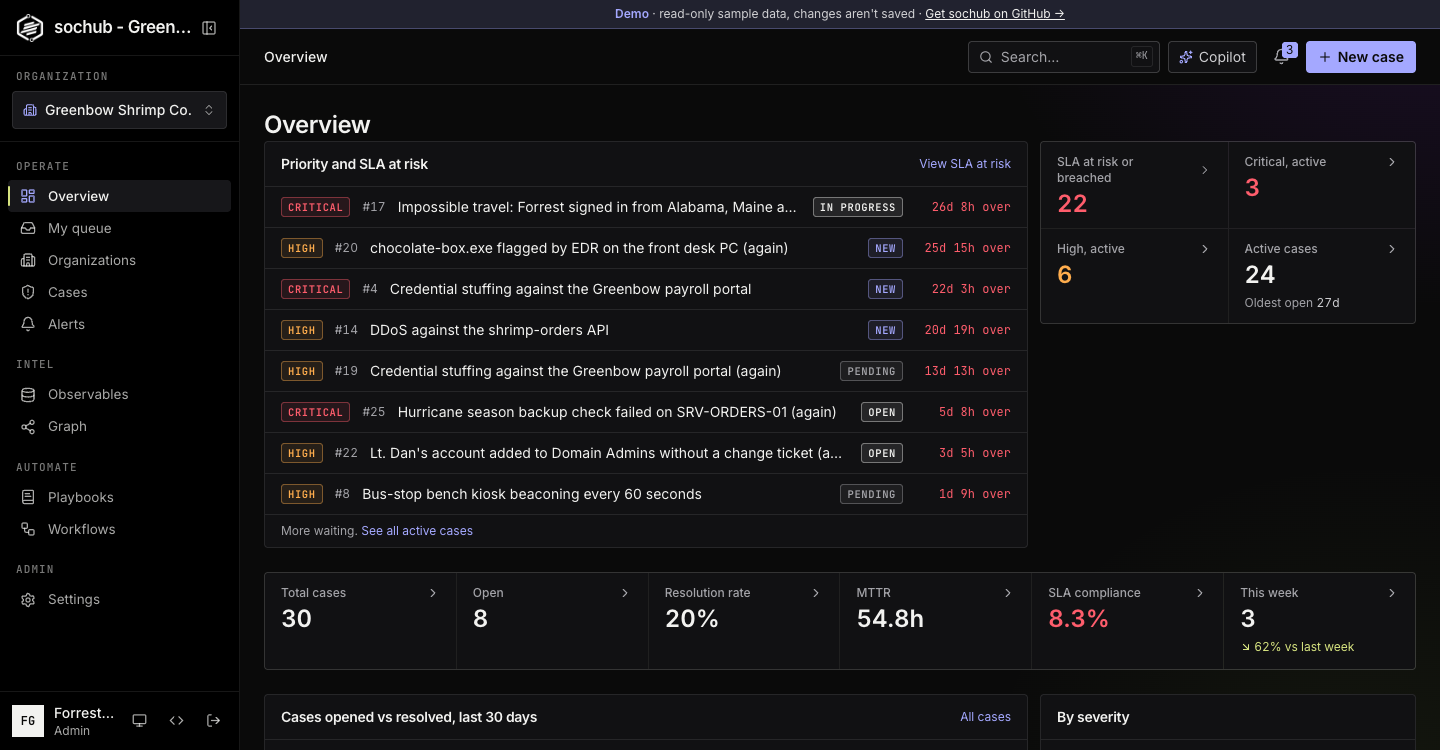
Overview
The Overview page is the team’s dashboard: open and critical cases, resolution rate and mean time to resolve, the 30-day opened-versus-resolved trend, severity and status breakdowns, open-case aging, the most shared indicators, recent activity and a priority queue. The number tiles link to the matching, pre-filtered case list.
My queue
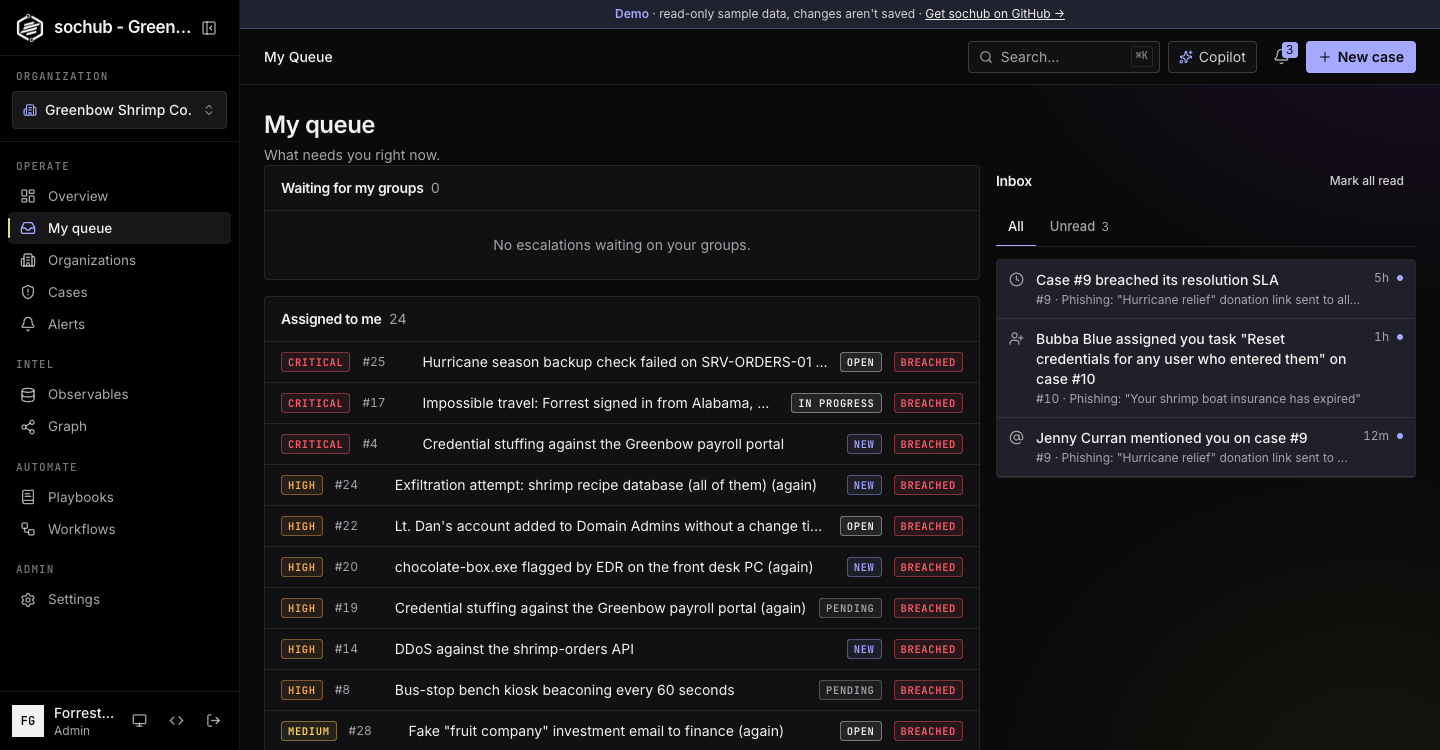
My queue answers “what needs me right now?” in three lists: cases assigned to me, cases whose SLA is at risk or breached, and open cases that are still unassigned.
Notifications
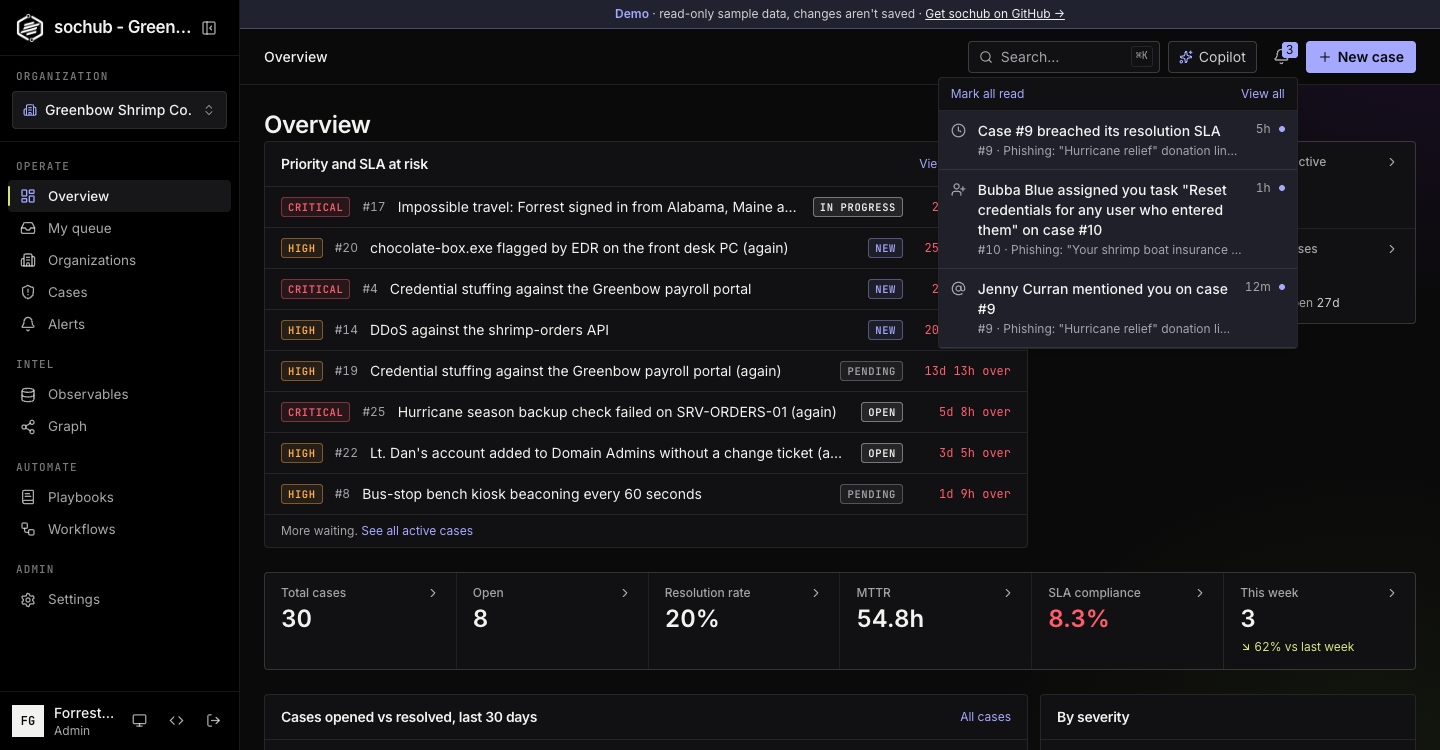
The bell in the top bar and the Notifications page show mentions, assignments, new comments, status and severity changes, and SLA breaches on cases you own or follow. Owners always follow their cases; commenting or being mentioned follows a case too, and the Follow toggle in the case header changes it. Mentions, assignments and SLA breaches are also sent as a Slack direct message, or by email when Slack isn’t connected, at most once per person per case every 5 minutes and never with the comment text.
Found a mistake? Edit this page or open an issue on GitHub.